Explainer Animation Templates

Templates built to walk through ideas, features, or steps on screen. Adjust the script, visuals, and pacing with AI, then export an explainer your team can share or post.

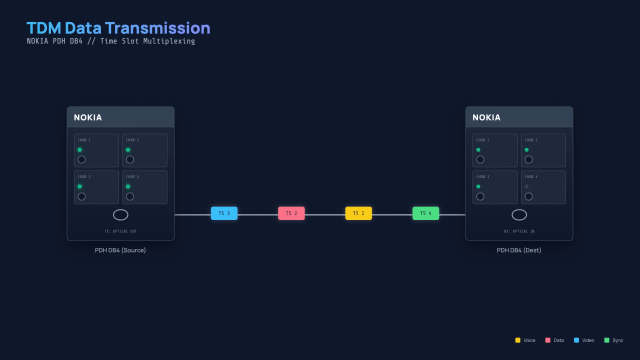
TDM Data Flow Visualization AI motion template preview

TDM Data Flow Visualization

Generative AI Concept Explainer AI motion template preview

Generative AI Concept Explainer

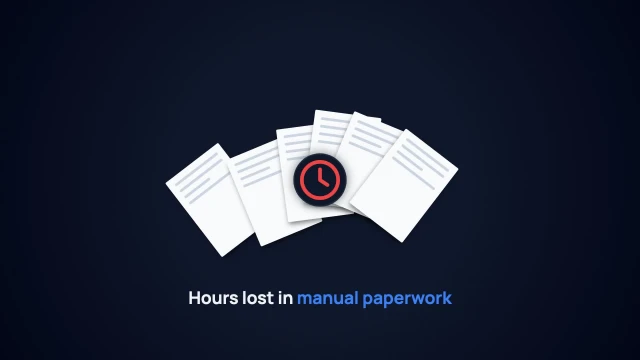
Business Cost Delay Explainer AI motion template preview
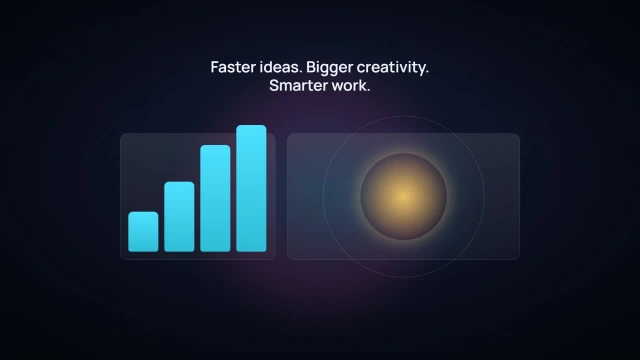
Business Cost Delay Explainer

ICMP Ping Command Explainer AI motion template preview

ICMP Ping Command Explainer

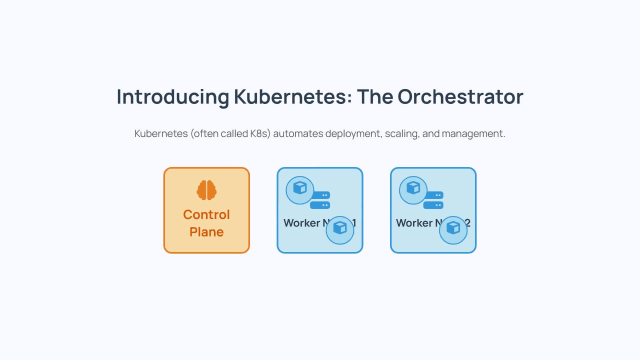
Kubernetes Architecture Explainer AI motion template preview

Kubernetes Architecture Explainer

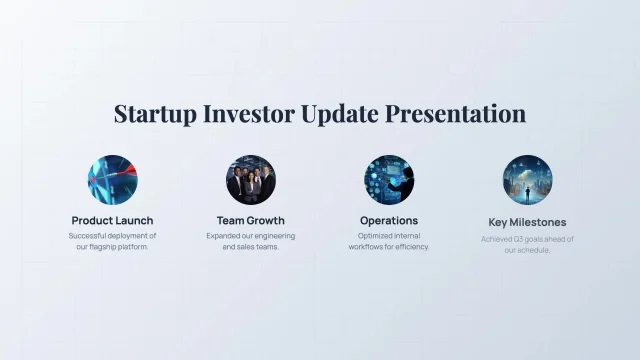
Investor Update Slideshow AI motion template preview

Investor Update Slideshow

Linear Equation Step Explainer AI motion template preview

Linear Equation Step Explainer

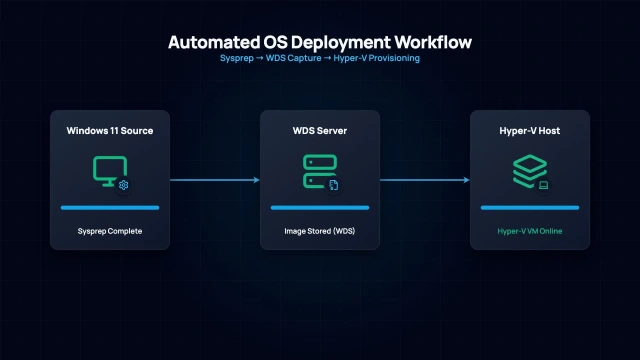
Automated IT Workflow Sequence AI motion template preview

Automated IT Workflow Sequence

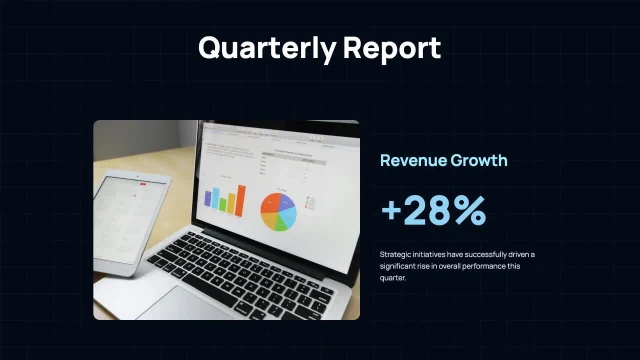
Quarterly Business Report Slides AI motion template preview

Quarterly Business Report Slides

Atomic Habits Book Explainer AI motion template preview

Atomic Habits Book Explainer

3D Book Recommendation Reveal AI motion template preview

3D Book Recommendation Reveal

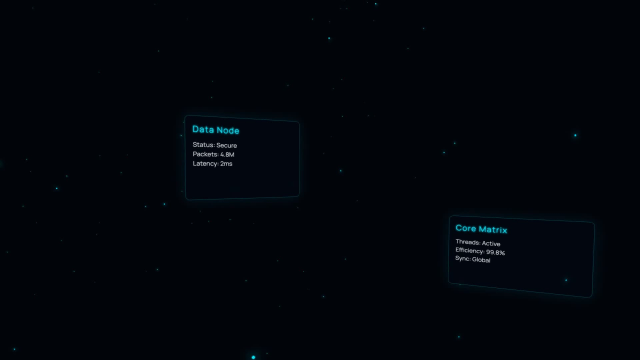
Futuristic UI Data Reveal AI motion template preview

Futuristic UI Data Reveal

How to customize an AI motion template

Choose a template, customize it in your browser, and download the finished video. No timeline or motion design experience needed.

1

Choose a template

Browse AI motion templates for maps, charts, titles, explainers, social ads, UI animations, and more.

2

Customize it with AI

Open the template in Easymotion and change the text, colors, timing, layout, logos, and images with AI.

3

Export the video

Download your video for YouTube, TikTok, Instagram Reels, ads, presentations, or your video editing workflow.

Who uses AI motion templates

Motion templates for creators and teams who need polished graphics without starting from a blank page.

Social posts and ads

Turn a template into a short video for product promos, announcements, ads, or social content.

YouTube intros and titles

Create openers, lower thirds, search animations, list videos, and title cards without building every animation by hand.

Maps and data stories

Start from map, chart, graph, and infographic templates when you need a clear visual explanation fast.

Product and app explainers

Use motion templates for feature callouts, UI walkthroughs, launch videos, and product demos.

Agency and client work

Create first drafts and client revisions faster without starting every video from scratch.

Education and training

Build short explainers, quiz videos, process animations, and course visuals for lessons and online courses.

Common questions

Quick answers about AI motion templates in Easymotion.

AI motion templates are ready-made motion graphics you can customize in Easymotion. Start with a template, change the text, style, timing, colors, and layout with AI, then export the finished video.

No. Easymotion runs in the browser, so you do not need After Effects, plugins, keyframes, or a timeline. Pick a template, describe the changes you want, and export when it looks right.

The library includes templates for maps, charts, lower thirds, title cards, explainers, social videos, UI animations, search animations, trivia videos, and other short-form motion graphics.

Yes. Easymotion supports common video formats for social and presentation workflows, including landscape, vertical, square, and portrait outputs. Exported videos use standard formats you can upload to YouTube, TikTok, and Reels.

Yes. You can ask Easymotion to change colors, text, layout, timing, and style. You can also use your own logos and images when a project needs brand-specific assets.

Yes, paid plans allow commercial use. Check the pricing page for the current plan details, watermark policy, and license terms before publishing client or paid campaign work.

Customize your first AI motion template

Join thousands of creators who use Easymotion to customize AI motion templates and export videos.

Free to start · No credit card required

Easymotion is a free online AI motion template library for creators and teams. Pick a template, customize it with AI in your browser, and export your video. No After Effects or software needed.