Free motion graphics templates
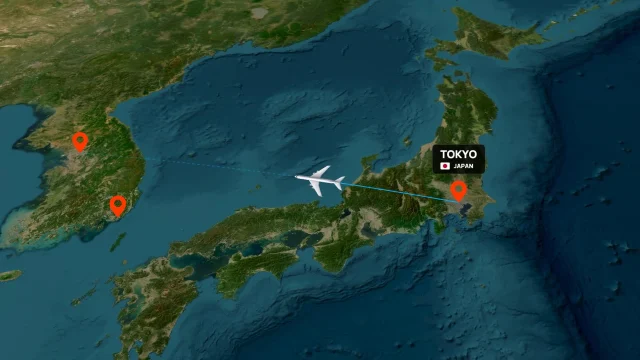
Multi-Stop Route Animation with Plane
Social Media Follow Button
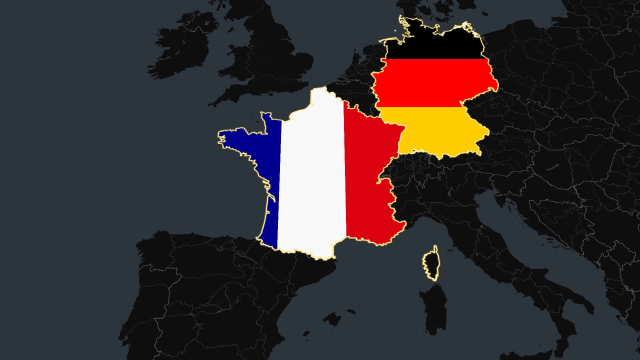
Country Flag Fill
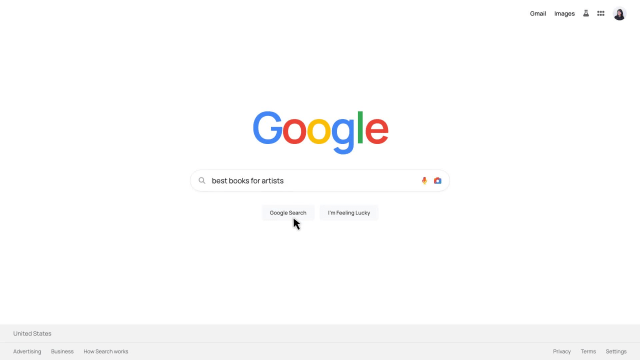
Google Search Simulation
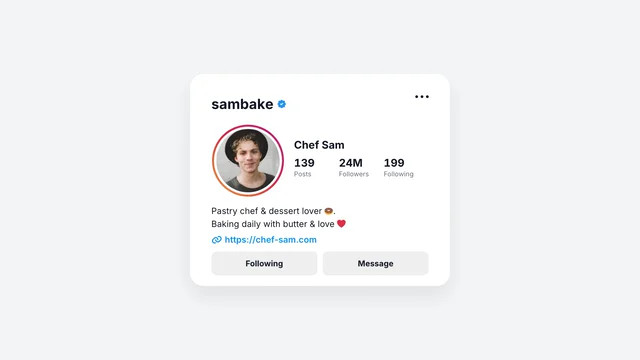
Instagram Follow Profile Card
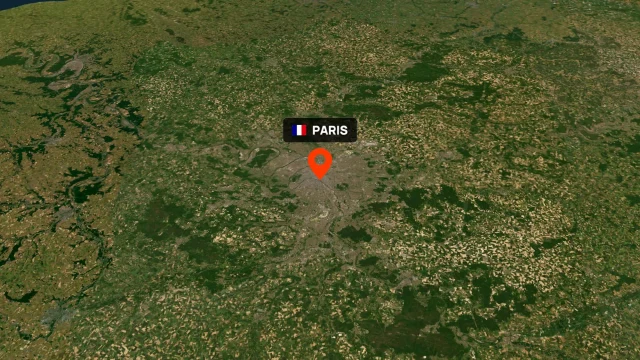
City Pin Marker Flythrough
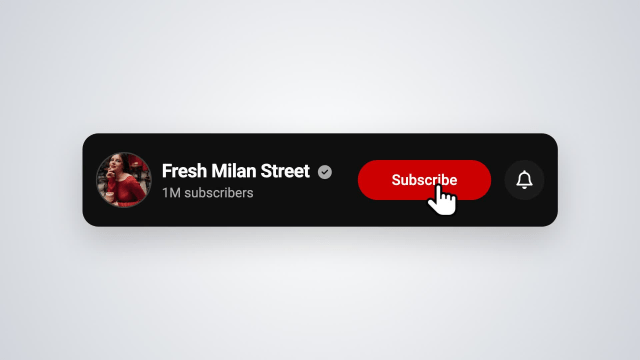
YouTube Subscribe Button
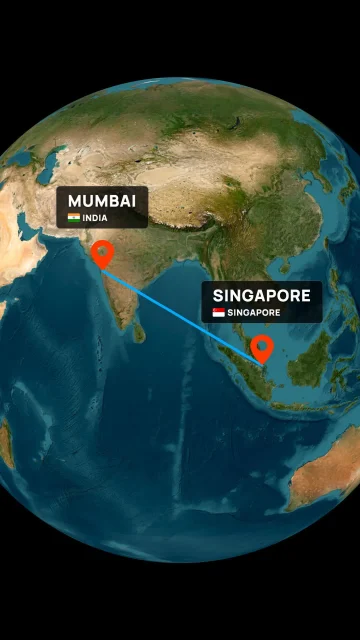
Flight Route Animation with Plane
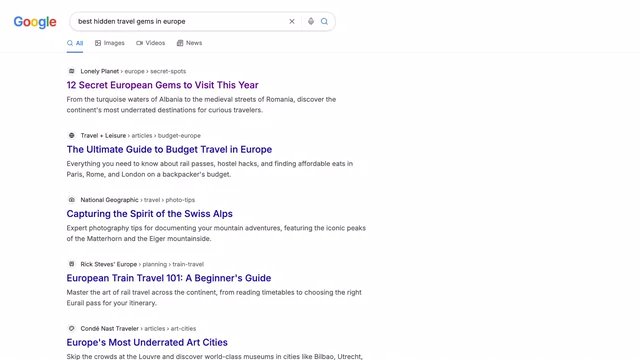
Google Search and Result Animation
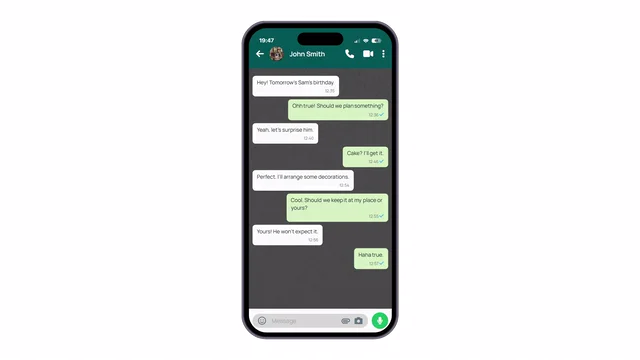
WhatsApp Phone Chat Animation
TikTok Follow Button
How to customise a motion template
Professional motion graphics in three simple steps. No software required.
1
Write what to change
Open a template, then say what should change: the text, the colors, or the images.
2
Watch it, then change it
Your first version is ready in seconds. Keep asking until the text, colors, and timing look right.
3
Export and post
MP4 to post anywhere. Transparent MOV to drop into After Effects, Premiere or Resolve.
Common questions
Quick answers about AI motion templates in Easymotion.
Finished animations you can open and make your own. Change the text, colors and images in Quick Edit, or ask the AI for bigger changes like new scenes or a different layout.
Yes. Open any template, edit it in Quick Edit, and export it free at 1080p, with no credit card. Free exports are for personal, non-commercial use.
Yes. Quick Edit changes text, colors and images without a prompt, and it does not use credits. Asking the AI for other changes needs a paid plan.
Over 240 templates: maps and routes, charts, titles and lower thirds, chat and message screens, search animations, quizzes, counters, UI and device mockups, logo reveals and social ads.
Yes. Export in 16:9, 9:16, 1:1 or 4:5. MP4 for social, transparent MOV to sit over footage in your editor, or GIF for short loops. Up to 4K at 60 fps on Plus and Pro.
Yes. Ask for colors by hex code, upload your logo and images with Add Images & Logo, attach a vector logo with Add SVG, or save it all in a brand kit.
Yes, on paid plans. Videos made on Basic, Plus or Pro can be used in ads, marketing, business content and client work. Free-plan exports are for personal use only. Full details are in the terms of service.
No. Everything runs in the browser. No plugins, no keyframes, no timeline.